

Modern digital environments demand constant vigilance. As internet connectivity expands across personal and professional spheres, the attack surface for malicious actors grows exponentially. Securing sensitive information no longer relies solely on enterprise-grade firewalls or complex software suites; it requires daily behavioral adjustments. Implementing essential cybersecurity habits for safer browsing and online accounts establishes a foundational defense against credential stuffing, phishing campaigns, and malware distribution. Protecting digital identities requires a systematic approach to authentication, browser hygiene, and data management.
The Anatomy of Modern Digital Threats
Understanding the threat landscape clarifies why daily security practices matter. Automated botnets continuously scan public-facing web applications, testing billions of stolen username and password combinations through credential stuffing attacks. Phishing vectors have evolved beyond poorly worded emails containing obvious typos; attackers now deploy sophisticated clone websites, adversary-in-the-middle proxy kits, and malicious advertising networks that mimic legitimate corporate portals.
Browsing the web without adequate defense mechanisms exposes devices to drive-by downloads and malvertising. Threat actors routinely compromise legitimate advertising networks to inject malicious scripts into banner ads, executing code silently in the background when a browser renders the page. Addressing these risks requires moving away from reactive measures—such as installing software only after an infection occurs—toward proactive hygiene habits that mitigate vulnerabilities before exploitation happens.

Mastering Authentication Mechanics
Password management represents the single most critical line of defense for online accounts. Human memory cannot naturally sustain dozens of unique, high-entropy passwords required for modern digital life. Reusing credentials across multiple services creates a catastrophic single point of failure; if a minor retail website suffers a data breach, attackers immediately test those credentials against major banking, email, and cloud storage providers.
Transitioning to Cryptographic Passwords
Effective credential management involves generating random strings of characters, numbers, and symbols measuring at least sixteen characters in length. Dedicated, reputable password managers automate this process, storing encrypted vaults locally or securely in the cloud using zero-knowledge architectures. Master passwords protecting these vaults must be memorized securely and never written down on physical sticky notes or stored in plain-text documents.
The Non-Negotiable Role of Multi-Factor Authentication
Passwords alone remain insufficient against targeted attacks. Implementing multi-factor authentication introduces secondary verification layers, typically categorized into something you know, something you have, and something you are.

- Hardware Security Keys: Physical tokens utilizing FIDO2 or WebAuthn standards provide the highest resistance against phishing by cryptographically binding authentication to the specific domain requested.
- Time-Based One-Time Passwords: Authenticator applications generating rotating six-digit codes offer robust protection superior to standard SMS verification.
- Biometric Verification: Fingerprint scanners and facial recognition secure localized access to devices and password vaults without transmitting raw biometric data to remote servers.
SMS-based authentication remains vulnerable to SIM-swapping attacks, where malicious actors manipulate cellular carrier support representatives into porting victim phone numbers to attacker-controlled SIM cards. Prioritizing app-based tokens or physical security keys neutralizes this specific vector.
Navigating the Web Safely
Browsing habits dictate exposure levels to web-based threats. Modern web browsers serve as operating systems within operating systems, executing complex JavaScript engines and handling memory-intensive web applications. Maintaining these environments demands strict configuration protocols.
Browser Configuration and Extension Management
Minimizing browser attack surfaces involves disabling unnecessary plugins and limiting extension installations exclusively to verified, audited tools. Over-privileged extensions can read and modify data on every visited webpage, creating significant privacy and security risks.
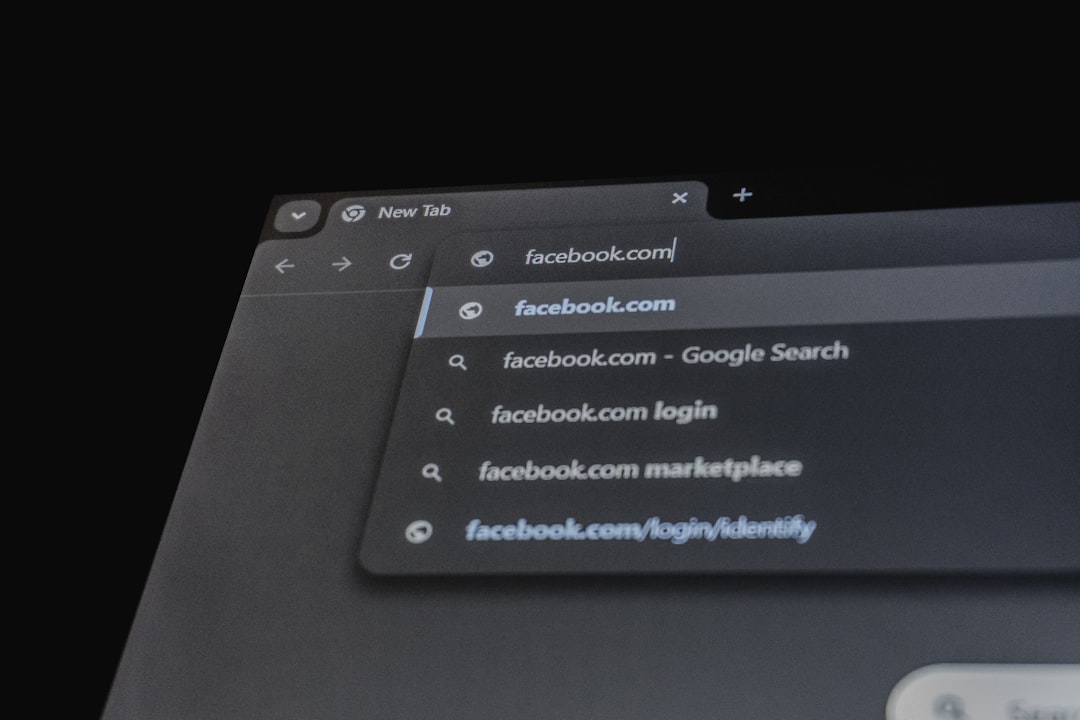
- Automatic Updates: Web browsers must be configured to update automatically upon launch to patch zero-day vulnerabilities swiftly.
- HTTPS Enforcement: Forcing secure connections prevents plaintext data transmission over unencrypted HTTP channels.
- Tracking Protection: Activating strict tracking protection reduces cross-site profiling and limits exposure to compromised third-party tracking scripts.
Recognizing and Evading Phishing Attempts
Phishing relies on social engineering rather than technical exploits, manipulating human psychology—such as urgency, fear, or curiosity—to bypass rational judgment. Recognizing these attempts requires scrutinizing URL structures, checking sender domain authenticity, and verifying unexpected communication channels independently.
When a notification arrives regarding a compromised banking account or an urgent tax refund, users should navigate directly to the official service via a bookmarked address rather than clicking links embedded within the message. Hovering over hyperlinks reveals the actual destination URL, exposing mismatched domains designed to deceive casual observers.
Comprehensive Security Comparison
| Defense Mechanism | Primary Function | Implementation Difficulty | Resistance to Phishing |
|---|---|---|---|
| Password Manager | Generates and stores unique, complex credentials | Low | Moderate |
| SMS Verification | Sends one-time codes via cellular networks | Very Low | Low |
| Authenticator App | Generates time-based rotating code tokens | Low | High |
| Hardware Security Key | Uses cryptographic challenge-response protocols | Moderate | Very High |
Securing Mobile Devices and Networks
Mobile devices function as constant companions, managing banking applications, two-factor authentication tokens, and personal communications. Securing these endpoints requires configuration practices similar to desktop environments.
Operating System and App Hygiene
Smartphones store vast amounts of metadata and personal files. Enabling automatic operating system updates ensures that underlying kernel vulnerabilities receive immediate patches. Reviewing app permissions regularly prevents flashlight applications, games, or utility tools from accessing location data, contacts, microphones, or photo libraries unnecessarily.
Public Wi-Fi Mitigation
Public wireless networks found in coffee shops, airports, and hotels present inherent interception risks. Because these networks often lack encryption or use shared passwords, devices connected to them are vulnerable to traffic sniffing and rogue access point attacks.
- Virtual Private Networks: Encrypting internet traffic through a trusted virtual private network routes data through a secure tunnel, rendering local network snooping ineffective.
- Disabling Auto-Connect: Preventing devices from automatically joining open networks stops background connections to unknown access points.
- Avoiding Sensitive Transactions: Conducting financial transfers or accessing corporate portals on public Wi-Fi should be avoided unless a secure VPN tunnel is active.
Data Backup and Recovery Protocols
Cybersecurity defense is probabilistic, not absolute. Ransomware infections, hardware failures, and accidental deletions occur despite rigorous adherence to safety protocols. Maintaining reliable data backup routines guarantees business continuity and personal data preservation.
Adhering to the standard backup rule ensures resilience against catastrophic data loss. This involves maintaining three total copies of critical data across two different media types, with at least one copy stored offsite or in the cloud. Cloud backups must utilize client-side encryption, ensuring that cloud service providers cannot access plaintext files stored on their servers. Testing recovery procedures periodically verifies that backup files remain intact and restorable.
Frequently Asked Questions
How often should online account passwords be changed?
Regularly scheduled password rotation for functional accounts is generally discouraged by modern security guidelines unless a credential breach is suspected. Forcing frequent changes often leads to predictable patterns, such as incrementing numbers at the end of a string. Instead, focus on using unique, high-entropy passwords managed via a password manager and update them immediately if a specific service experiences a security breach.
Are free virtual private networks safe to use?
Many free virtual private networks monetize their services by logging and selling user browsing data to third-party advertisers, defeating the privacy benefits of using a secure tunnel. Reputable services generally require subscription fees to maintain strict no-logs policies, infrastructure maintenance, and high-speed servers.
What indicates that a website connection is secure?
The presence of a padlock icon in the browser address bar and a URL beginning with “https://” indicates that data transmitted between the browser and the web server is encrypted via Transport Layer Security. However, encryption merely secures transit; it does not guarantee that the website operator is trustworthy, as malicious actors also acquire valid security certificates for fraudulent domains.
Conclusion
Securing the digital footprint requires consistent application of preventative habits rather than sporadic interventions. Adopting robust authentication measures, maintaining meticulous browser hygiene, recognizing social engineering tactics, and executing reliable backup strategies collectively establish a resilient defense posture. Navigating the modern internet safely demands treating digital security as an ongoing process of behavioral adaptation, ensuring that personal information remains protected against evolving threats.
Featured Image Credit: Generated/Sourced via Unsplash.
Inline Images Credit: Sourced from Pexels, Unsplash, Pixabay, NASA, Wikimedia, and Openverse free stock databases.
Disclaimer: This article is AI-generated for informational and educational purposes. While we strive to provide high-quality context and authority, the content should not be used as professional advice. The author/website assumes no liability for external links or factual omissions.