
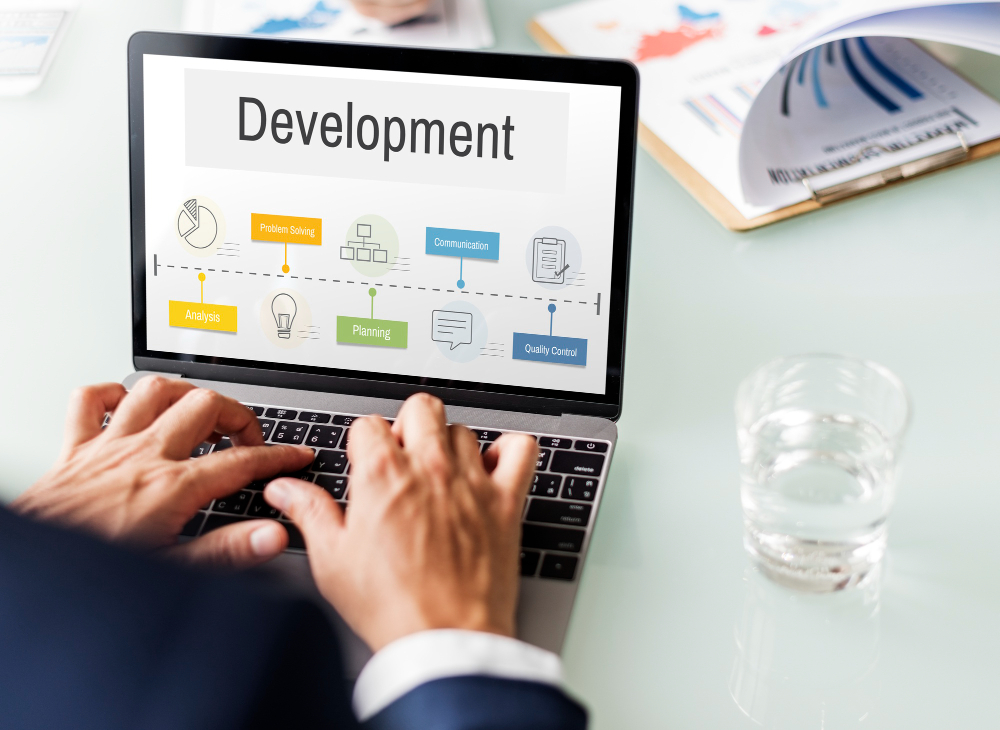
The digital landscape has evolved into a fundamental component of modern commerce, communication, and information sharing. For individuals and organizations alike, establishing a robust online presence is no longer optional but essential. Website development serves as the cornerstone of this presence, encompassing a wide range of disciplines from server configuration to user interface design. While the process may appear daunting to newcomers, breaking it down into manageable phases reveals a logical progression that anyone can follow with the right guidance. This guide provides a detailed, step-by-step approach to building a website, ensuring that the final product is functional, secure, and aligned with industry standards.
Phase 1: Strategic Planning and Architecture
Before a single line of code is written or a template selected, successful web projects begin with thorough planning. This initial phase dictates the trajectory of the entire development lifecycle. The primary objective is to define the purpose of the website clearly. Is the goal to sell products, share information, generate leads, or provide a portfolio? Each objective requires a different structural approach. For instance, an e-commerce platform demands secure payment gateways and inventory management, whereas a blog focuses on content readability and sharing capabilities.
Defining the target audience is equally critical. Understanding who will visit the site influences design choices, tone of voice, and functionality. Demographic data such as age, location, and technical proficiency helps tailor the user experience. Once the purpose and audience are established, creating a sitemap is the next logical step. A sitemap acts as a blueprint, outlining the hierarchy of pages and how they interconnect. This visual representation prevents structural issues later in the process and ensures that navigation remains intuitive. Tools like flowcharts or dedicated planning software can assist in organizing content logically, ensuring that users can find information within three clicks or less.
Phase 2: Securing Domain Names and Hosting
The foundation of any website rests on two technical pillars: the domain name and web hosting. The domain name serves as the digital address, while hosting provides the server space where website files reside. Selecting a domain name requires balancing branding with technical considerations. Ideally, the name should be concise, memorable, and relevant to the brand or content. It is advisable to stick with standard extensions like .com or .org unless there is a specific reason to use niche extensions. The Internet Corporation for Assigned Names and Numbers (ICANN) oversees the global domain system, ensuring that each name is unique and properly registered.
Web hosting involves choosing a provider that offers reliability, speed, and security. There are several types of hosting available, ranging from shared hosting, where multiple sites share server resources, to dedicated hosting, where an entire server is allocated to one site. For beginners, shared hosting or managed cloud hosting often provides the best balance of cost and performance. It is crucial to evaluate uptime guarantees, customer support availability, and scalability options. A hosting provider that allows easy upgrades ensures that the website can grow without requiring a complex migration later. Additionally, ensuring that the hosting provider supports the latest security protocols is vital for protecting user data.
Phase 3: Selecting the Development Pathway
One of the most significant decisions in web development is choosing how the site will be built. Generally, there are two primary pathways: using a Content Management System (CMS) or custom coding from scratch. A CMS like WordPress.org allows users to build websites using pre-designed themes and plugins without needing extensive coding knowledge. This approach significantly reduces development time and is ideal for blogs, business sites, and small e-commerce stores. The ecosystem surrounding popular CMS platforms is vast, offering thousands of extensions to add functionality such as contact forms, SEO tools, and analytics.
Conversely, custom coding involves writing the website using languages such as HTML, CSS, and JavaScript. This method offers complete control over every aspect of the site’s design and functionality. Resources like the Mozilla Developer Network (MDN) provide comprehensive documentation for these languages, making them accessible to learners. Custom development is often necessary for highly specialized applications where off-the-shelf solutions cannot meet specific requirements. However, it requires a steeper learning curve and more ongoing maintenance. For beginners, starting with a CMS allows for quicker results, while learning the basics of code provides a deeper understanding of how the web functions.
Phase 4: Design Principles and User Experience
Visual design and user experience (UX) determine how visitors interact with the website. A well-designed site is not just aesthetically pleasing but also functional and accessible. The principle of mobile-first design is now an industry standard, given that a significant majority of web traffic originates from smartphones and tablets. This means designing the layout for smaller screens first and then scaling up for desktops. Responsive design ensures that content adjusts fluidly across different devices, preventing issues like horizontal scrolling or unreadable text.
Accessibility is another critical component of modern web design. Websites should be usable by people with disabilities, including those who rely on screen readers or keyboard navigation. The World Wide Web Consortium (W3C) sets the international standards for web accessibility, known as WCAG. Adhering to these guidelines involves using proper heading structures, providing alt text for images, and ensuring sufficient color contrast. Beyond accessibility, usability heuristics suggest that navigation should be consistent and predictable. Users should always know where they are on the site and how to return to the homepage. Research from groups like the Nielsen Norman Group emphasizes that clarity trumps creativity when it comes to navigation menus and call-to-action buttons.
Phase 5: Content Strategy and Search Visibility
Content is the substance that fills the structural framework of a website. High-quality content engages visitors and encourages them to stay longer, reducing bounce rates. Text should be concise, scannable, and free of errors. Using headings, bullet points, and short paragraphs improves readability. Images and videos should be optimized for web use to prevent slow loading times. Large, uncompressed media files are a common cause of performance issues, so using modern formats like WebP for images is recommended.
Search Engine Optimization (SEO) ensures that the content can be found by users searching for relevant topics. SEO involves optimizing technical elements, such as meta tags and site speed, as well as creating valuable content that answers user queries. Google Search Central provides extensive guidelines on how search engines crawl and index web pages. Keywords should be integrated naturally into headings and body text without resorting to keyword stuffing, which can penalize search rankings. Furthermore, establishing a logical internal linking structure helps search engines understand the relationship between different pages on the site, improving overall visibility.
Phase 6: Testing, Performance, and Launch
Before a website goes live, rigorous testing is required to identify and fix errors. This process includes checking for broken links, ensuring forms submit correctly, and verifying that the site displays correctly across different browsers like Chrome, Firefox, and Safari. Cross-browser compatibility is essential because rendering engines interpret code differently. Functionality testing should also cover mobile devices to ensure touch targets are large enough and gestures work as intended.
Performance testing is equally important. Site speed is a ranking factor for search engines and a critical metric for user retention. Tools like Google PageSpeed Insights analyze website performance and provide specific recommendations for improvement, such as minimizing JavaScript or leveraging browser caching. Once testing is complete and all critical issues are resolved, the site is ready for launch. This involves pointing the domain name to the hosting server via DNS settings. It is advisable to monitor the site closely during the first 48 hours after launch to catch any unforeseen issues that may arise during the transition.
Phase 7: Security Protocols and Ongoing Maintenance
Launching the website is not the end of the development process; it marks the beginning of ongoing maintenance. Security is a top priority, as websites are frequent targets for malicious attacks. Implementing Secure Sockets Layer (SSL) encryption is mandatory for protecting data transmitted between the user and the server. Services like Let’s Encrypt provide free SSL certificates that enable HTTPS, which is now a standard expectation for all websites. Without HTTPS, browsers may flag the site as insecure, deterring visitors.
Regular updates are necessary to keep the website secure and functional. If a CMS is used, the core software, themes, and plugins must be updated promptly to patch security vulnerabilities. For custom-coded sites, dependencies and libraries require similar attention. Version control systems like GitHub are invaluable for tracking changes to the codebase, allowing developers to revert to previous versions if an update causes issues. Additionally, regular backups should be scheduled to ensure that data can be restored in the event of a crash or hack. Security monitoring tools can alert administrators to suspicious activity, enabling a swift response to potential threats. Organizations like OWASP publish lists of the most critical web application security risks, serving as a checklist for maintaining a secure environment.
Comparison of Development Pathways
Choosing between a Content Management System and custom coding depends on the specific needs of the project. The following table outlines the key differences to assist in making an informed decision.
| Feature | Content Management System (CMS) | Custom Coding |
|---|---|---|
| Ease of Use | High; user-friendly interfaces and drag-and-drop builders. | Low; requires knowledge of HTML, CSS, JavaScript, and backend languages. |
| Development Time | Fast; themes and plugins accelerate the process. | Slow; every element must be built from scratch. |
| Customization | Limited to theme options and plugin capabilities. | Unlimited; complete control over design and functionality. |
| Cost | Lower initial cost; potential recurring costs for premium plugins. | Higher initial cost due to development hours; lower recurring costs. |
| Maintenance | Requires regular updates for core, themes, and plugins. | Requires manual updates for code and security patches. |
| Scalability | Good for small to medium sites; can struggle with complex custom needs. | Highly scalable; architecture can be designed for specific growth. |
| Security | Vulnerable if plugins are not updated; common target for attacks. | Secure if coded correctly; security depends on developer expertise. |
| Best For | Blogs, small business sites, portfolios, standard e-commerce. | Web applications, unique platforms, high-performance needs. |
Frequently Asked Questions
How much does it cost to build a website?
The cost varies significantly based on the approach. A DIY website using a CMS can cost less than $100 per year for hosting and domain fees. Custom development involving professional designers and developers can range from a few thousand to tens of thousands of dollars, depending on complexity.
Do I need to know how to code to build a website?
No, it is not strictly necessary. Modern CMS platforms and website builders allow users to create professional sites without writing code. However, basic knowledge of HTML and CSS can be beneficial for troubleshooting and customizing elements.
How long does it take to launch a website?
A simple site using a template can be launched in a few days. A complex custom website with unique features may take several months to plan, design, develop, and test thoroughly.
What is the difference between web design and web development?
Web design focuses on the look and feel, including layout, colors, and graphics. Web development involves the coding and programming that make the website function. Often, these roles overlap, especially in smaller projects.
How often should I update my website content?
Regular updates are beneficial for SEO and user engagement. Blogs should be updated weekly or monthly, while business information should be reviewed quarterly to ensure accuracy. Technical updates for security should be applied as soon as they are available.
Is free hosting a good option for beginners?
Free hosting is suitable for testing or learning purposes but is not recommended for professional websites. Free plans often lack security features, have limited bandwidth, and may display ads on the site, which can undermine credibility.
Conclusion
Website development is a multifaceted process that blends technical skills with creative strategy. By following a structured approach, beginners can navigate the complexities of planning, building, and maintaining a successful online presence. The journey begins with clear goals and a solid plan, ensuring that every subsequent decision supports the overall objective. Whether choosing the ease of a CMS or the flexibility of custom coding, the key lies in understanding the trade-offs and selecting the path that aligns with available resources and long-term goals.
Design and user experience play pivotal roles in retaining visitors, making accessibility and mobile responsiveness non-negotiable elements of modern development. Content serves as the bridge between the site and its audience, requiring careful optimization for both humans and search engines. Once launched, the responsibility shifts to maintenance, where security and performance monitoring ensure the site remains reliable and safe. The digital world is constantly changing, with new technologies and standards emerging regularly. Staying informed through authoritative resources and adhering to best practices will empower developers to create websites that are not only functional today but resilient enough to adapt to the future. With patience and attention to detail, building a website becomes a rewarding endeavor that opens doors to global connectivity and opportunity.